
Using Multiple Choice
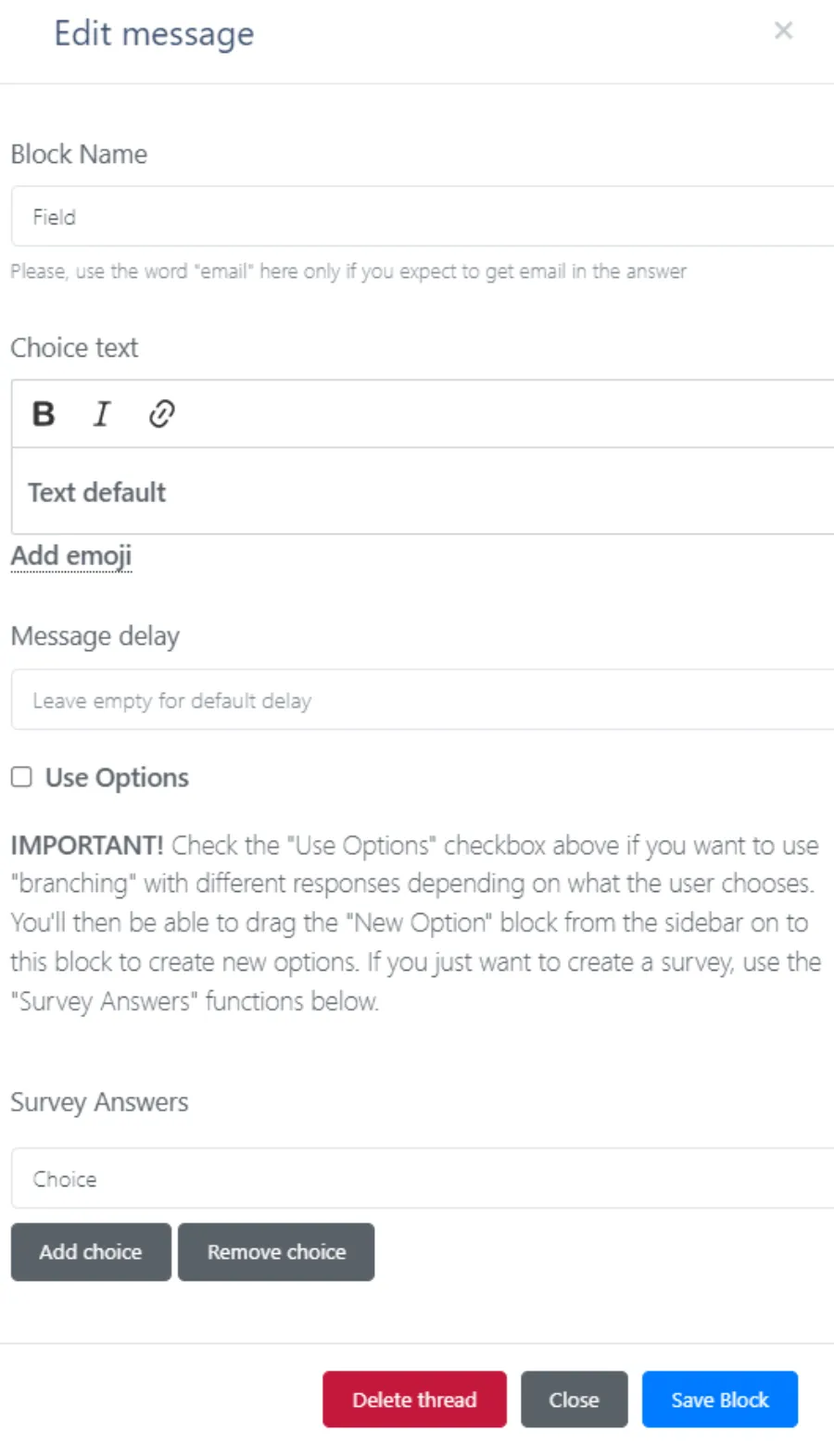
Block Name
Give Your Block a Helpful Name
Benefits of naming your block:
- Easier to find in Loop Elements
- Label the Responses when you get notifications
- Is the response in future Elements by using
Choice Text
Enter the text you want before the Options are given.
Message Delay
If you want the chatbot to have a delay before sending the message.
(normally this is left blank, unless you have really looong messages.)
☐ Use Options
This allows you to create multiple branches your customers can go through.
Example: You offer Roofing and Siding.
You could ask: "Are you interested in Roofing or Siding?"
If they Select Roofing: They go down the Roofing Branch that talks about roofing
If they Select Siding: They go down the Siding Brand which talks about siding
Note: To add Options, simply Drag N' Drop 'New Option' Elements underneath this one.
Survey Answers
This allow you to ask a multiple choice question, but they continue down the same path no matter what answer they choose.
Example: Before asking for someone's phone number, you want to know they best time of day to reach them (Mornings, Afternoons or Evenings).
It doesn't matter which they select, no matter what you are going to ask their phone number.
Type in the option you want, then click 'Add Choice'
Examples:
Survey Options
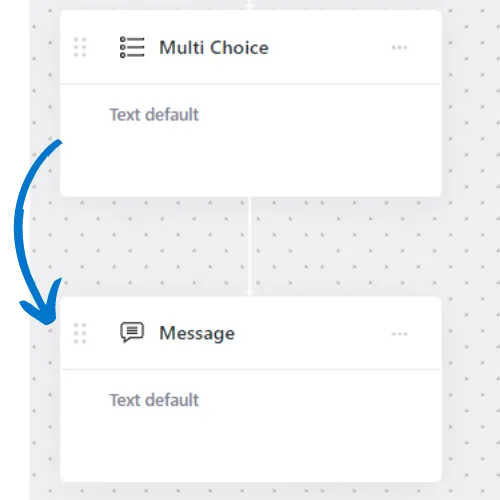
No matter which option the user chooses, they continue down the same path.
'Use Options'
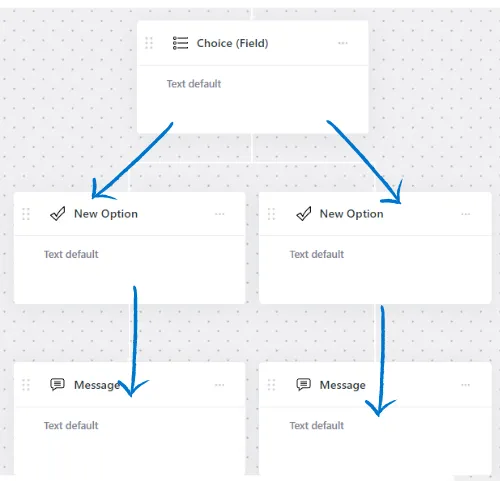
Create Branches, so the user takes a different path based on which option they choose.
Pick a Help Section:
FAQs
Can I put my ChatBot on Any Website?
I feel like I'm casting aimlessly and don't have the right bait, why isn't my marketing working?
How do I get Help?
I do I stop battling in the 'Price Wars' by offering discounts (which just leads to sinking profits and a race to the bottom)?
Where do I buy PufferChat?
From unqualified leads to customer troubleshooting, How do I stop my phone ringing all day long answering the same questions?
Finnegan
Puffeciency Guru
Every great business started as a dream
We believe in your dream, and we're committed to turning it into reality. Together, we'll build a marketing strategy that's as bold and beautiful as your aspirations.
We offer a low pressure approach. We lead with value, awesome marketing ideas and free trails to our products. Feel free to reach out to learn more.