
Bot Overview
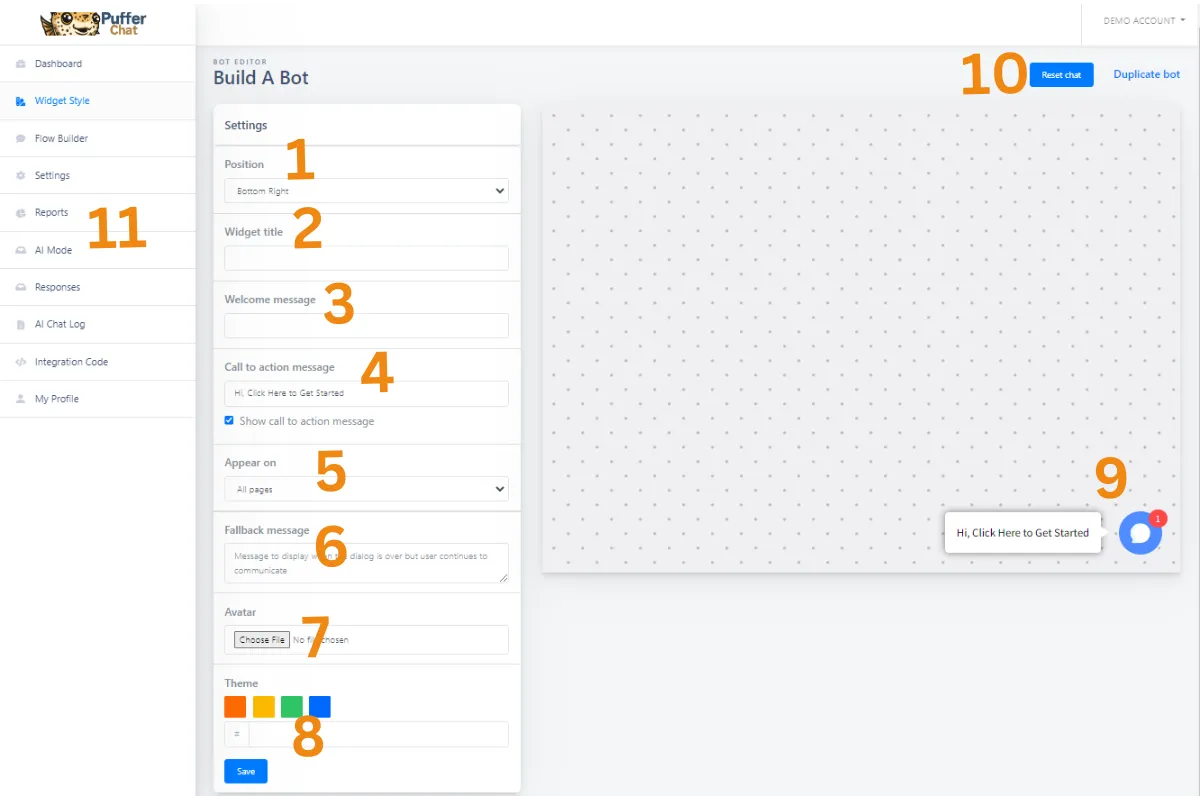
Overview:
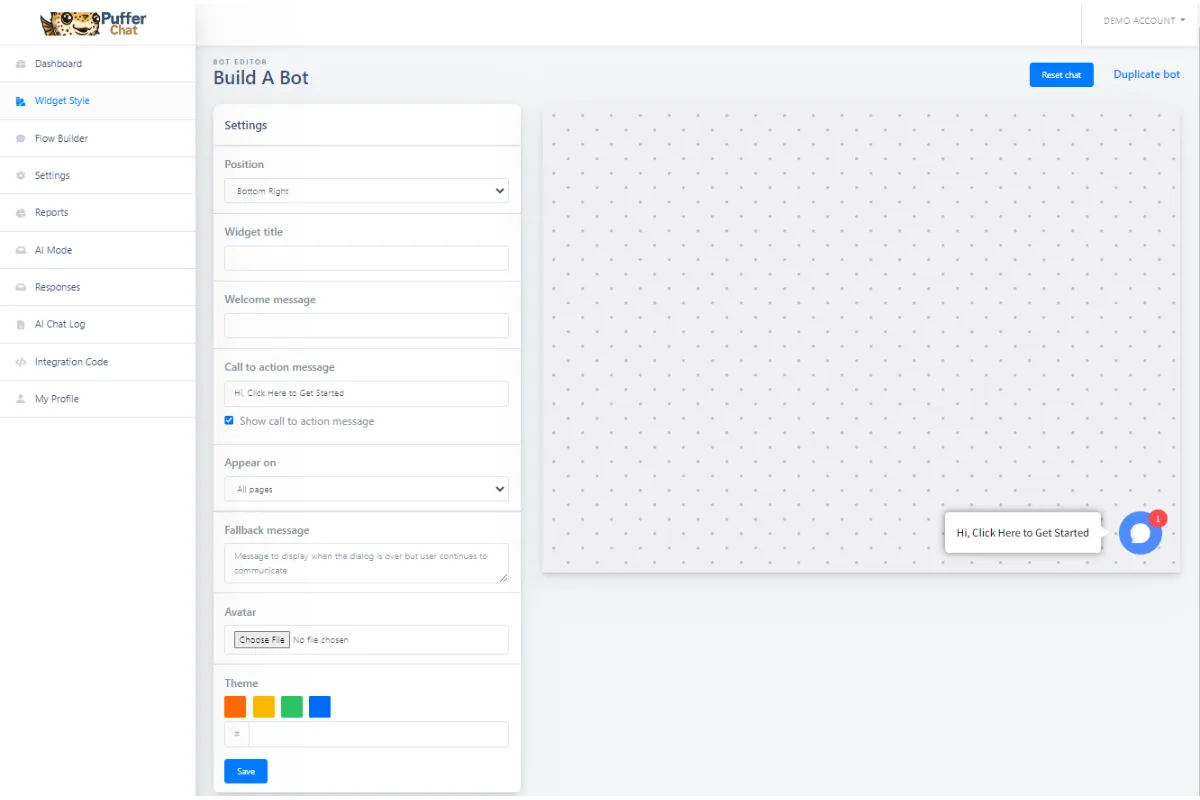
1) Position (drop-down)
Pick if you want your ChatBot to appear on the Bottom Right or Bottom Left of your Webpage
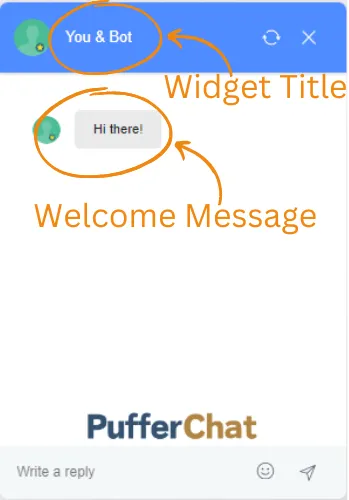
2) Widget Title
The name that appears on top of your chatbot
3) Welcome Message
The first message someone sees when they click on your ChatBot
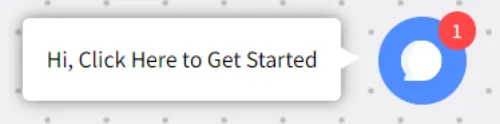
4) Call to Action Message
Enter the message you want to appear. Or Uncheck the box to hide this (the Avatar picture will still appear, just not the message),
5) Appear On (drop down)
Pick if you want your chatbot to appear on all webpages or specific ones.
If you select Specific Pages, enter the words that must be contained in the URL. Such as: Help, Blog, Home, etc...
6) Fallback Message
If something goes wrong, this is the message that is displayed. Example: Sorry, I am not sure what you are requesting, please give us a call at (555)555-5555. Note: This message will not appear on a well built bot.
7) Avatar
Upload a picture to give your chatbot a personality!
8) Theme
Pick a pre-selected color or add your companies Hex Code.
9) Test Your ChatBot
Here you can test your ChatBot. Be sure to test it every time you make changes in your workflow.
10) Restart Chat
Reset your Chatbot.
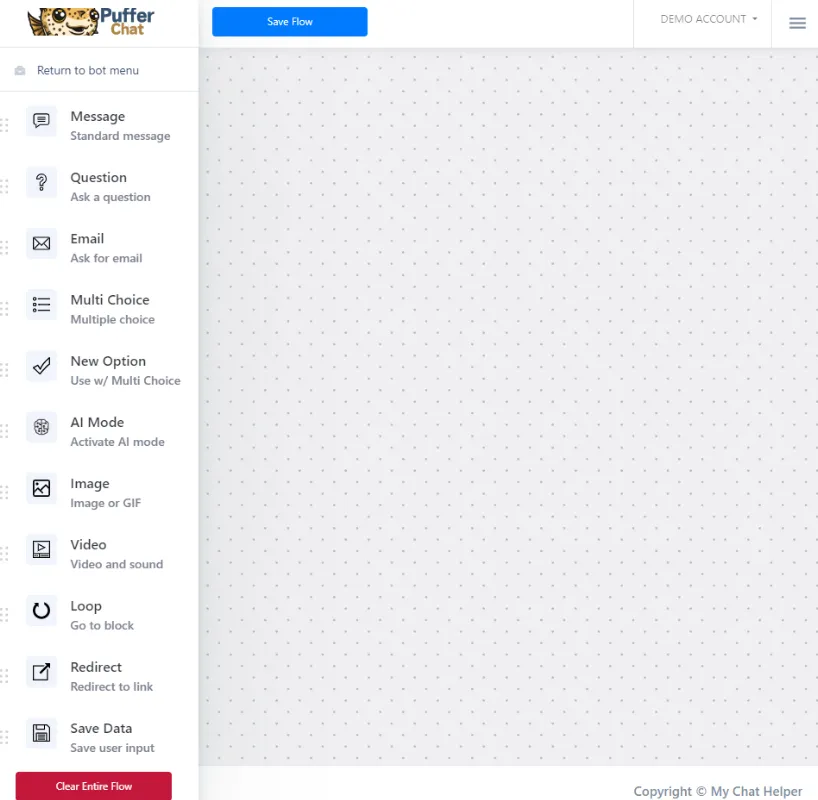
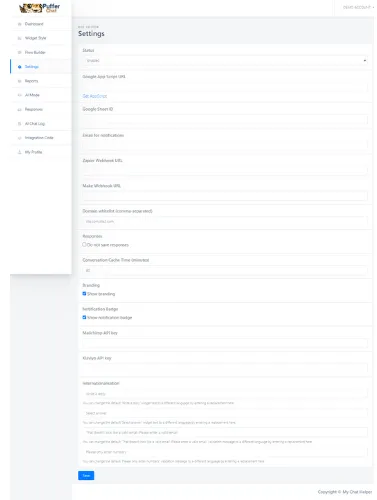
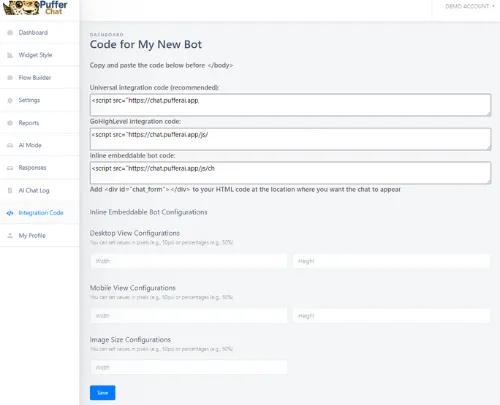
11) Menu Bar
Different Sections to build, customize and launch your chatbot
Pick a Help Section:
FAQs
Can I put my ChatBot on Any Website?
I feel like I'm casting aimlessly and don't have the right bait, why isn't my marketing working?
How do I get Help?
I do I stop battling in the 'Price Wars' by offering discounts (which just leads to sinking profits and a race to the bottom)?
Where do I buy PufferChat?
From unqualified leads to customer troubleshooting, How do I stop my phone ringing all day long answering the same questions?

Finnegan
Puffeciency Guru
Every great business started as a dream
We believe in your dream, and we're committed to turning it into reality. Together, we'll build a marketing strategy that's as bold and beautiful as your aspirations.
We offer a low pressure approach. We lead with value, awesome marketing ideas and free trails to our products. Feel free to reach out to learn more.